
Assigning Counterparties to a Spread Group
To assign counterparties to a spread group, open the spread group and click ‘Add Counterparties’ at the top of the page:

From the window that launches, select all of the clients in the list that you wish to assign to the Spread Group, and click Save:
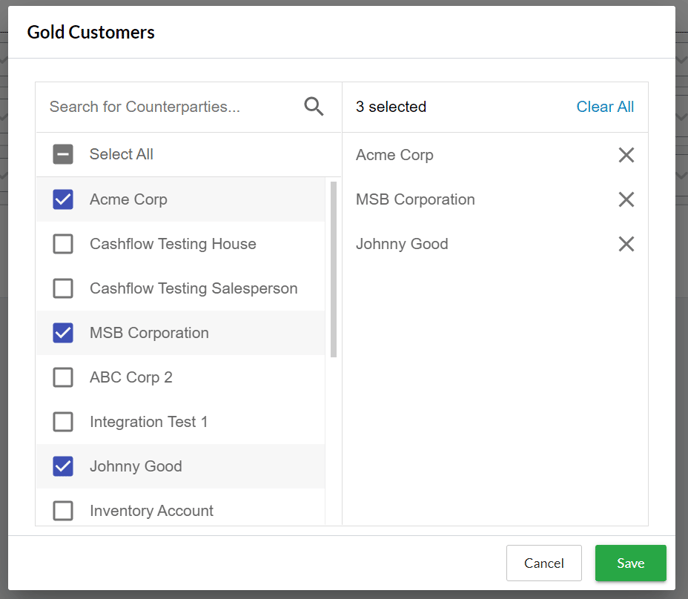
You can also open this window to review Counterparties that have previously been assigned to the Spread Group.