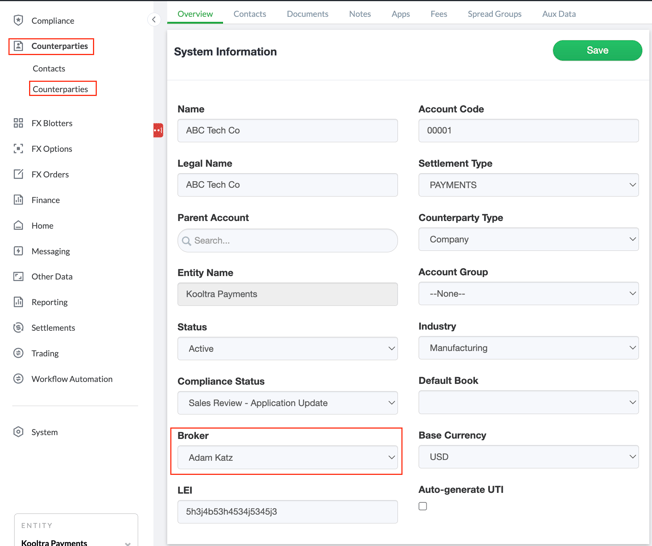
A broker, sometimes referred to as a salesperson or account manager, typically manages the relationship with the client and executes trades on their behalf. Add your list of brokers in Kooltra so you can identify the person who owns the client relationship on a client account.
To add a broker, follow the below steps:
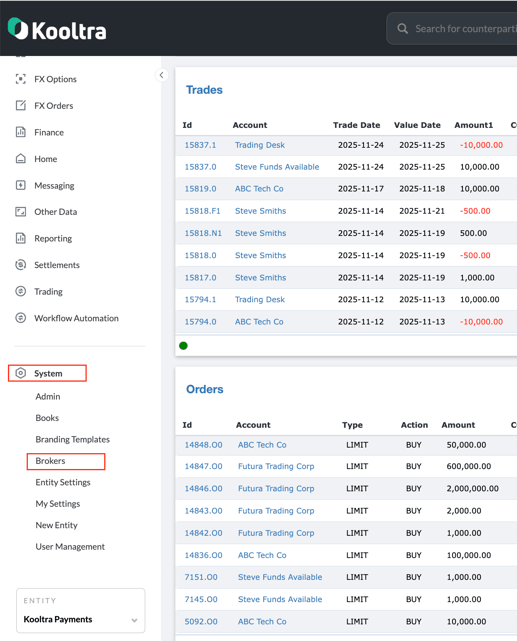
1.Navigate to System > Brokers in the Kooltra UI to access the broker page in the Salesforce backend.
.
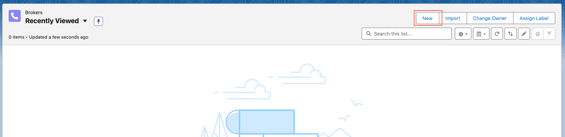
2. Click on New to add a new broker in the system.
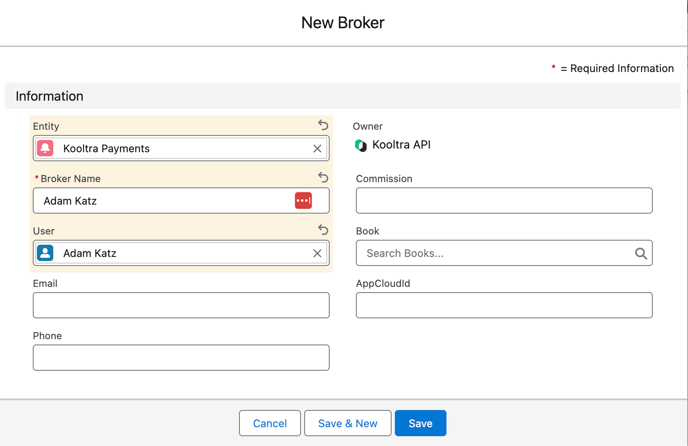
3. Enter the broker’s details. At a minimum, provide the first and last name in the Broker Name field, and the associated entity. Email and phone number can be added if available, but are optional.
If the broker has an existing Kooltra user account, you can link this account in the User field.
4. Click Save.
After adding the broker, navigate to the account overview page (Counterparties > Counterparties) to assign the broker as the owner of a client account.