
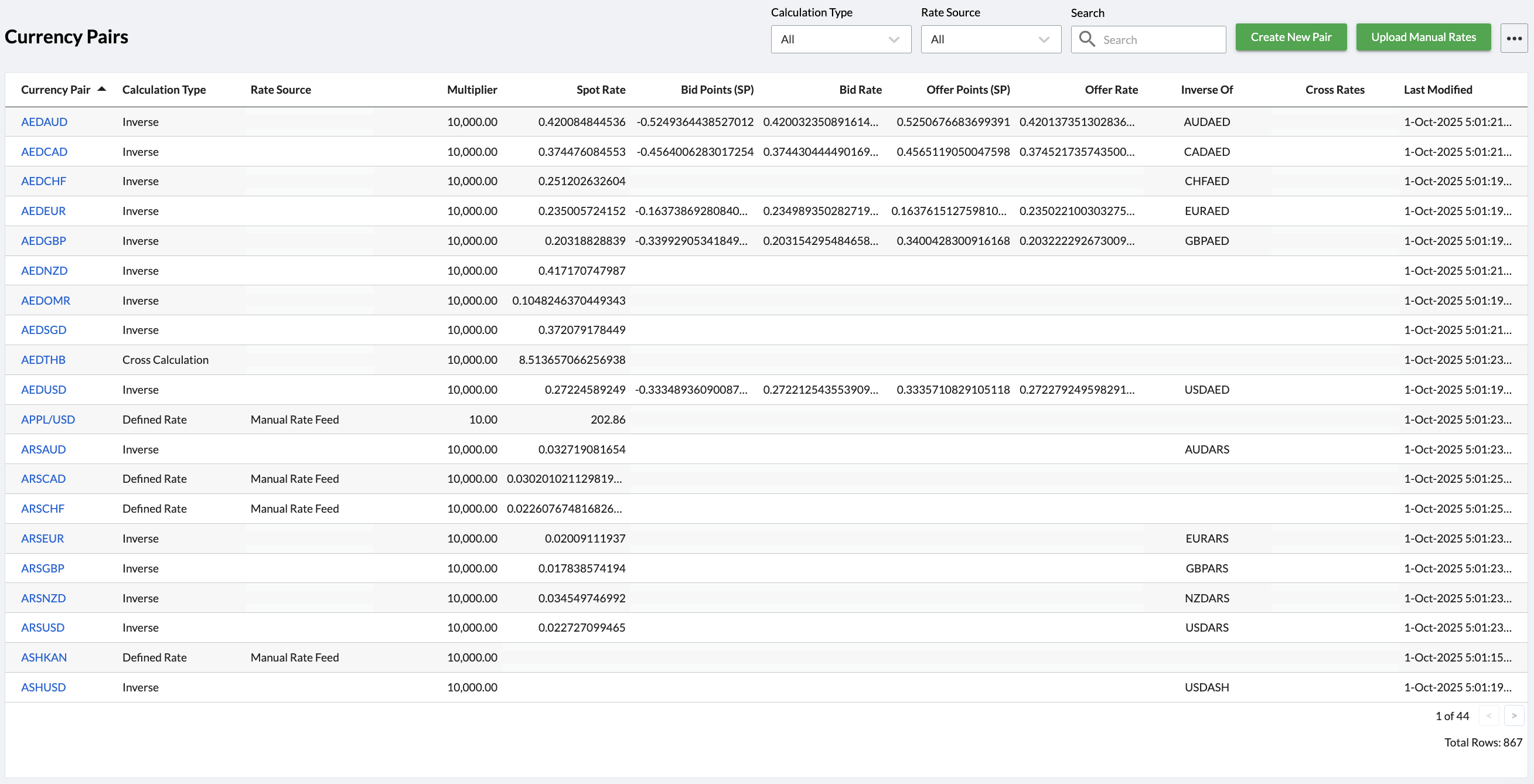
The Currency Pairs page in Kooltra provides users with the ability to upload manual spot rates for configured pairs. To access this page, go to x-System > Currency Pairs in the navigation panel.
Uploading Manual Rates
In order to upload spot rates for relevant currency pairs, follow the steps below:
-
Within the Currency Pairs page, use the RateSource filter at the top of the screen to filter the table for Manual Rate Feed
-
Click on the three dots to the right of the Upload Manual Rates button
-
Click Download Manual Rates
-
Open the Excel file that is downloaded and update:
-
Spot Rate
-
Bid Points (SP) - the spread to be applied to the spot rate to calculate the bid spot price*. This should be specified in pips as a negative number
-
Offer Points (SP) - the spread to be applied to the spot rate to calculate the offer spot price*. This should be specified in pips as a positive number
-
-
Save the file in .csv format
-
Go back to the Currency Pairs page and click Upload Manual Rates
-
Select the file saved in step 4 and click ‘Open’
-
You should receive a confirmation pop-up at the bottom of the page stating ‘File uploaded successfully.’
-
Refresh the page to see the updated rates
*The bid / offers points specified here will be used to construct the ‘core’ system spot price for the currency pair. For trade requests being made via the Trade on Behalf page / Payments Portal / API will additionally have spreads applied as defined by the Spread Group the client is assigned to.
Page Filters
Filters are available at the top of the page to help quickly identify currency pairs. These filters are:
-
Calculation Type - the options available for selection are:
-
Defined Rate - show only currency pairs where the rate is defined directly, either from a market data feed or by manual entry
-
Cross Calculation - show only currency pairs calculated by the system as the cross of two other pairs
-
Inverse - show only currency pairs calculated by the system as the inverse of another pair
-
All - show currency pairs of all calculation types
-
-
Rate Source - the options available for selection are:
-
ICE Rate Feed - show only currency pairs where the rate is defined directly from Kooltra’s ICE rate feed
-
Manual Rate Feed - show only pairs where the rate is defined manually
-
All - show pairs regardless of rate source
-
-
Search - provides the ability to search for a specific currency pair or pairs containing a specified currency