The permissions assigned to your user determine which reports you can see in the application and which data you can report on.
Reports saved to the Private Folder, the default save location for new reports, will only be visible to you.
If you would like to build a report that is visible to others, you must save reports into shared folders.
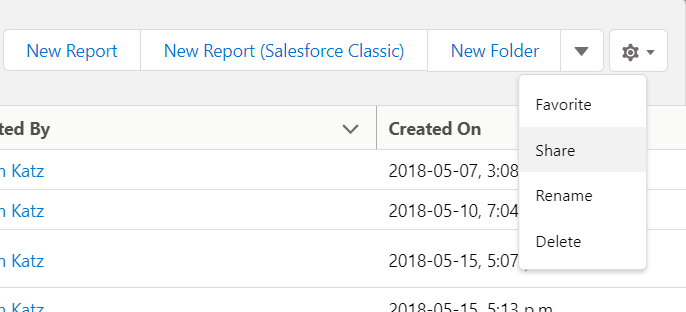
To see which users can see the reports contained within a report folder in Salesforce:
- Go to Reports > All Folders from the Salesforce backend
- Click on the report folder in question
- Click the dropdown menu next to New Folder on the right-hand side of the screen, and click Share: